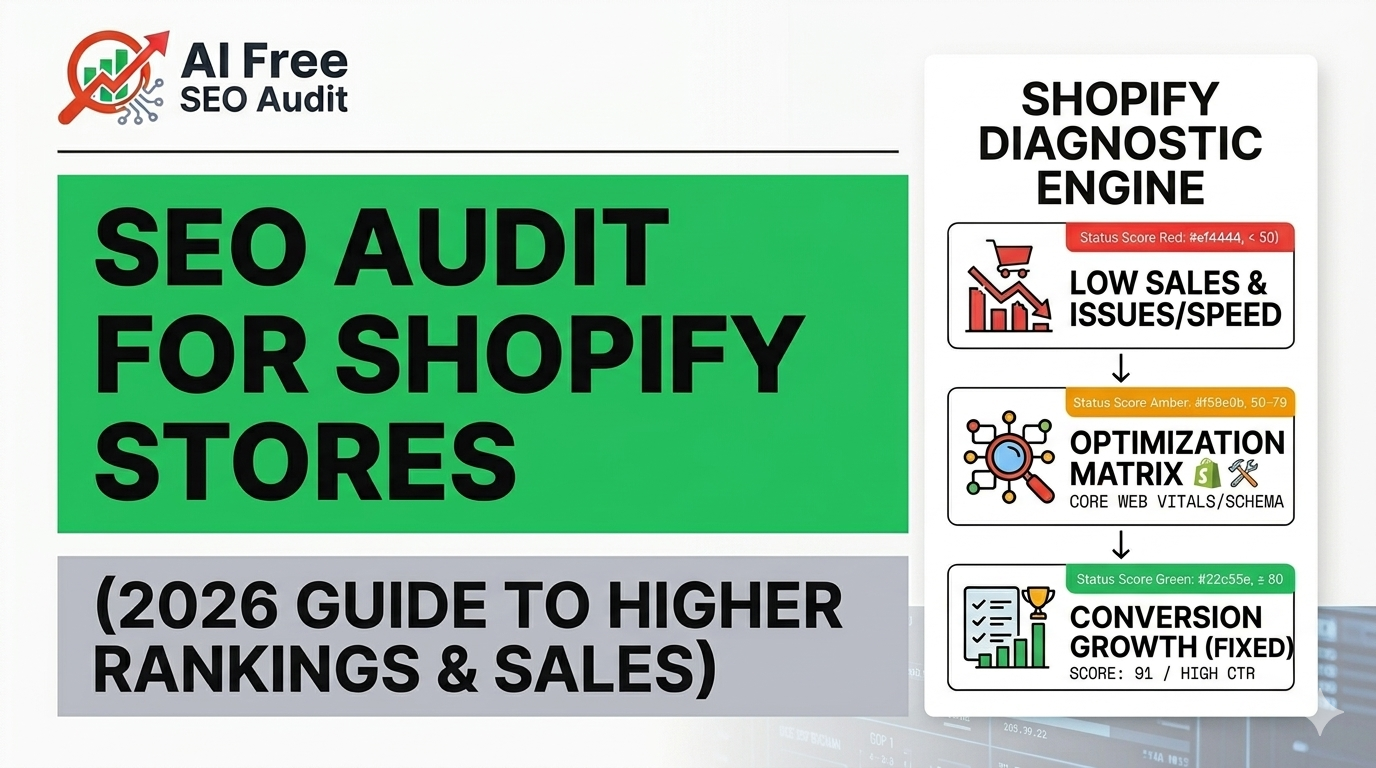
Introduction: Why Shopify SEO Audits Matter in 2026
Shopify has become one of the most powerful ecommerce platforms in the world. But here is the truth most store owners ignore:
“Having a Shopify store is not enough — ranking it on Google is where real revenue starts.”
Thousands of Shopify stores fail not because of bad products, but because of:
- Poor SEO structure
- Slow loading speed
- Missing technical optimization
- Weak content strategy
- Lack of audit and monitoring
An SEO audit for Shopify stores is the foundation of fixing all these problems.
It is not just a checklist — it is a growth system that improves:
- Google rankings
- Organic traffic
- Conversion rates
- Store speed
- User experience
In this guide, you will learn how to perform a complete Shopify SEO audit step by step, even if you are not technical.
What is an SEO Audit for Shopify Stores?
An SEO audit is a full analysis of your Shopify website to identify issues that affect:
- Search engine visibility
- Page speed
- Indexing
- Content quality
- User experience
- Conversion performance
Think of it like a medical checkup for your website.
Without it, you are:
- Losing traffic silently
- Ranking below competitors
- Spending money on ads unnecessarily
Step 1: Technical SEO Audit for Shopify
Technical SEO is the backbone of your Shopify store.
1. Crawlability & Indexation
Check:
- Is Google indexing all pages?
- Are important pages blocked in robots.txt?
- Are there crawl errors in Google Search Console?
Common Shopify Issues:
- Duplicate product pages
- Tag pages indexed unnecessarily
- Filter URLs creating SEO clutter
2. URL Structure Optimization
Good Shopify URLs:
- /products/product-name
- /collections/category-name
Bad URLs:
- /collections/all?page=2
- /products/product-name?variant=12345
Fix:
Use canonical tags properly to avoid duplicate content.
3. Site Speed & Core Web Vitals
Google now heavily prioritizes:
- LCP (Largest Contentful Paint)
- INP (Interaction speed)
- CLS (Layout shift)
Shopify Speed Issues:
- Heavy themes
- Unoptimized images
- Too many apps
- External scripts
Solution:
- Compress images (WebP format)
- Remove unused apps
- Use lightweight Shopify themes
For advanced monitoring, tools like:
👉 https://xhylopulse.com/ help track real-time performance issues and uptime.
4. Mobile Optimization
Over 70% of Shopify traffic comes from mobile.
Check:
- Responsive design
- Clickable buttons
- Mobile speed
- Checkout usability
Step 2: On-Page SEO Audit for Shopify Stores
On-page SEO is where most Shopify stores fail.
🏷️ 1. Product Page Optimization
Each product page should include:
- Keyword in title
- Optimized description
- Unique content (not copied from suppliers)
- Bullet features
- FAQs
Example:
Instead of:
“Blue T-shirt Cotton”
Use:
“Premium Cotton Blue T-Shirt for Men – Comfortable Everyday Wear”
2. Image SEO
Optimize:
- ALT tags
- File names
- Compression
Bad:
- IMG_1234.jpg
Good:
- blue-cotton-tshirt-men.jpg
3. Meta Titles & Descriptions
Each page must have:
- Unique meta title
- Click-worthy description
4. Internal Linking Structure
Shopify stores often lack internal linking.
You should link:
- Products → Collections
- Blogs → Products
- Collections → Related collections
You can also strengthen SEO using AI-powered audit systems like:
👉 https://aifreeseoaudit.com/
It helps detect missing SEO signals across your Shopify store automatically.
Step 3: Content SEO Audit (Blog + Collection Pages)
Content is what builds long-term traffic.
What to check:
- Do you have blog content?
- Are keywords targeting buyer intent?
- Are collection pages optimized with text?
Best Practice:
Each collection page should include:
- 300–800 words of SEO content
- Keyword-rich introduction
- FAQ section
- Internal links
Example:
Instead of just products, a collection page should explain:
- What the category is
- Why it matters
- Buying guide
- Comparison tips
Step 4: Shopify SEO Analytics Audit
You cannot improve what you don’t measure.
Track:
- Organic traffic
- Bounce rate
- Conversion rate
- Ranking keywords
- Click-through rate (CTR)
Recommended Tools:
- Google Search Console
- Google Analytics 4
- Shopify analytics
- AI monitoring tools like:
👉 https://xhylopulse.com/
Step 5: Common Shopify SEO Problems
Most Shopify stores suffer from:
❌ Duplicate Content
- Product variants
- Collection filters
- Tags indexed
❌ Thin Content
- No descriptions
- No blog content
❌ Poor Site Structure
- No silo architecture
- Random product grouping
❌ Weak Backlinks
- No authority building
🚀 Step 6: Advanced Shopify SEO Strategy
🧠 1. Semantic SEO Strategy
Google now understands meaning, not just keywords.
You must include:
- Related entities
- Contextual topics
- Supporting content
🔗 2. Topic Clusters
Example:
- Shopify SEO Guide (pillar page)
- Product SEO
- Technical SEO
- Speed Optimization
- Conversion Optimization
3. Conversion SEO (CRO + SEO)
SEO is not just traffic — it is sales.
Improve:
- Product page UX
- Checkout flow
- Trust signals
- Reviews
Shopify SEO Audit Checklist
Technical SEO:
- Indexation checked
- Robots.txt optimized
- Sitemap submitted
- Broken links fixed
- Speed optimized
On-Page SEO:
- Titles optimized
- Meta descriptions added
- ALT tags fixed
- Product content unique
Content:
- Blog created
- Collection pages optimized
- Keyword mapping done
UX & Conversion:
- Mobile optimized
- Checkout smooth
- Trust signals added
Internal Linking Strategy (For Your Ecosystem)
To maximize SEO authority and conversions:
- Use AI SEO audit system:
👉 https://aifreeseoaudit.com/ - Monitor Shopify store performance in real-time:
👉 https://xhylopulse.com/ - Generate high-intent leads from traffic:
FAQs – Shopify SEO Audit
1. How often should I audit my Shopify store?
Every 30–60 days for best results.
2. Is Shopify good for SEO?
Yes, but only if properly optimized with technical SEO and content strategy.
3. Why is my Shopify store not ranking?
Usually due to:
- Weak content
- Poor speed
- Duplicate pages
- No backlinks
4. Do I need tools for SEO audit?
Yes, tools improve accuracy and save time.
Final Conclusion
A Shopify SEO audit is not optional — it is essential for growth in 2026.
If your store is not ranking, the problem is not Shopify — it is:
- Technical SEO gaps
- Weak content strategy
- Poor optimization structure
Once you fix these areas, Shopify becomes one of the most powerful ecommerce SEO platforms.
Next Step Recommendation
If you want to scale faster:
- Automate SEO audits using AI tools
- Track performance continuously
- Build SEO-driven content systems
- Optimize conversion funnels
Leave a Reply