Category: Blog

Your blog category

  • SEO Audit for Shopify Stores (2026 Complete Guide to Ranking, Speed & Conversions)

    SEO Audit for Shopify Stores (2026 Complete Guide to Ranking, Speed & Conversions)

    Introduction: Why Shopify SEO Audits Matter in 2026

    Shopify has become one of the most powerful ecommerce platforms in the world. But here is the truth most store owners ignore:

     “Having a Shopify store is not enough — ranking it on Google is where real revenue starts.”

    Thousands of Shopify stores fail not because of bad products, but because of:

    • Poor SEO structure
    • Slow loading speed
    • Missing technical optimization
    • Weak content strategy
    • Lack of audit and monitoring

    An SEO audit for Shopify stores is the foundation of fixing all these problems.

    It is not just a checklist — it is a growth system that improves:

    • Google rankings
    • Organic traffic
    • Conversion rates
    • Store speed
    • User experience

    In this guide, you will learn how to perform a complete Shopify SEO audit step by step, even if you are not technical.


    What is an SEO Audit for Shopify Stores?

    An SEO audit is a full analysis of your Shopify website to identify issues that affect:

    • Search engine visibility
    • Page speed
    • Indexing
    • Content quality
    • User experience
    • Conversion performance

    Think of it like a medical checkup for your website.

    Without it, you are:

    • Losing traffic silently
    • Ranking below competitors
    • Spending money on ads unnecessarily

     Step 1: Technical SEO Audit for Shopify

    Technical SEO is the backbone of your Shopify store.

     1. Crawlability & Indexation

    Check:

    • Is Google indexing all pages?
    • Are important pages blocked in robots.txt?
    • Are there crawl errors in Google Search Console?

    Common Shopify Issues:

    • Duplicate product pages
    • Tag pages indexed unnecessarily
    • Filter URLs creating SEO clutter

    2. URL Structure Optimization

    Good Shopify URLs:

    • /products/product-name
    • /collections/category-name

    Bad URLs:

    • /collections/all?page=2
    • /products/product-name?variant=12345

     Fix:
    Use canonical tags properly to avoid duplicate content.


     3. Site Speed & Core Web Vitals

    Google now heavily prioritizes:

    • LCP (Largest Contentful Paint)
    • INP (Interaction speed)
    • CLS (Layout shift)

    Shopify Speed Issues:

    • Heavy themes
    • Unoptimized images
    • Too many apps
    • External scripts

    Solution:

    • Compress images (WebP format)
    • Remove unused apps
    • Use lightweight Shopify themes

    For advanced monitoring, tools like:
    👉 https://xhylopulse.com/ help track real-time performance issues and uptime.


    4. Mobile Optimization

    Over 70% of Shopify traffic comes from mobile.

    Check:

    • Responsive design
    • Clickable buttons
    • Mobile speed
    • Checkout usability

    Step 2: On-Page SEO Audit for Shopify Stores

    On-page SEO is where most Shopify stores fail.


    🏷️ 1. Product Page Optimization

    Each product page should include:

    • Keyword in title
    • Optimized description
    • Unique content (not copied from suppliers)
    • Bullet features
    • FAQs

    Example:

    Instead of:

    “Blue T-shirt Cotton”

    Use:

    “Premium Cotton Blue T-Shirt for Men – Comfortable Everyday Wear”


    2. Image SEO

    Optimize:

    • ALT tags
    • File names
    • Compression

    Bad:

    • IMG_1234.jpg

    Good:

    • blue-cotton-tshirt-men.jpg

     3. Meta Titles & Descriptions

    Each page must have:

    • Unique meta title
    • Click-worthy description

    4. Internal Linking Structure

    Shopify stores often lack internal linking.

    You should link:

    • Products → Collections
    • Blogs → Products
    • Collections → Related collections

    You can also strengthen SEO using AI-powered audit systems like:
    👉 https://aifreeseoaudit.com/

    It helps detect missing SEO signals across your Shopify store automatically.


     Step 3: Content SEO Audit (Blog + Collection Pages)

    Content is what builds long-term traffic.

    What to check:

    • Do you have blog content?
    • Are keywords targeting buyer intent?
    • Are collection pages optimized with text?

    Best Practice:

    Each collection page should include:

    • 300–800 words of SEO content
    • Keyword-rich introduction
    • FAQ section
    • Internal links

    Example:

    Instead of just products, a collection page should explain:

    • What the category is
    • Why it matters
    • Buying guide
    • Comparison tips

     Step 4: Shopify SEO Analytics Audit

    You cannot improve what you don’t measure.

    Track:

    • Organic traffic
    • Bounce rate
    • Conversion rate
    • Ranking keywords
    • Click-through rate (CTR)

    Recommended Tools:


    Step 5: Common Shopify SEO Problems

    Most Shopify stores suffer from:

    ❌ Duplicate Content

    • Product variants
    • Collection filters
    • Tags indexed

    ❌ Thin Content

    • No descriptions
    • No blog content

    ❌ Poor Site Structure

    • No silo architecture
    • Random product grouping

    ❌ Weak Backlinks

    • No authority building

    🚀 Step 6: Advanced Shopify SEO Strategy

    🧠 1. Semantic SEO Strategy

    Google now understands meaning, not just keywords.

    You must include:

    • Related entities
    • Contextual topics
    • Supporting content

    🔗 2. Topic Clusters

    Example:

    • Shopify SEO Guide (pillar page)
      • Product SEO
      • Technical SEO
      • Speed Optimization
      • Conversion Optimization

    3. Conversion SEO (CRO + SEO)

    SEO is not just traffic — it is sales.

    Improve:

    • Product page UX
    • Checkout flow
    • Trust signals
    • Reviews

    Shopify SEO Audit Checklist

    Technical SEO:

    • Indexation checked
    • Robots.txt optimized
    • Sitemap submitted
    • Broken links fixed
    • Speed optimized

    On-Page SEO:

    • Titles optimized
    • Meta descriptions added
    • ALT tags fixed
    • Product content unique

    Content:

    • Blog created
    • Collection pages optimized
    • Keyword mapping done

    UX & Conversion:

    • Mobile optimized
    • Checkout smooth
    • Trust signals added

    Internal Linking Strategy (For Your Ecosystem)

    To maximize SEO authority and conversions:


    FAQs – Shopify SEO Audit

    1. How often should I audit my Shopify store?

    Every 30–60 days for best results.

    2. Is Shopify good for SEO?

    Yes, but only if properly optimized with technical SEO and content strategy.

    3. Why is my Shopify store not ranking?

    Usually due to:

    • Weak content
    • Poor speed
    • Duplicate pages
    • No backlinks

    4. Do I need tools for SEO audit?

    Yes, tools improve accuracy and save time.


    Final Conclusion

    A Shopify SEO audit is not optional — it is essential for growth in 2026.

    If your store is not ranking, the problem is not Shopify — it is:

    • Technical SEO gaps
    • Weak content strategy
    • Poor optimization structure

    Once you fix these areas, Shopify becomes one of the most powerful ecommerce SEO platforms.


    Next Step Recommendation

    If you want to scale faster:

    • Automate SEO audits using AI tools
    • Track performance continuously
    • Build SEO-driven content systems
    • Optimize conversion funnels
  • Why Your Website Isn’t Ranking on Google (And How to Fix It)

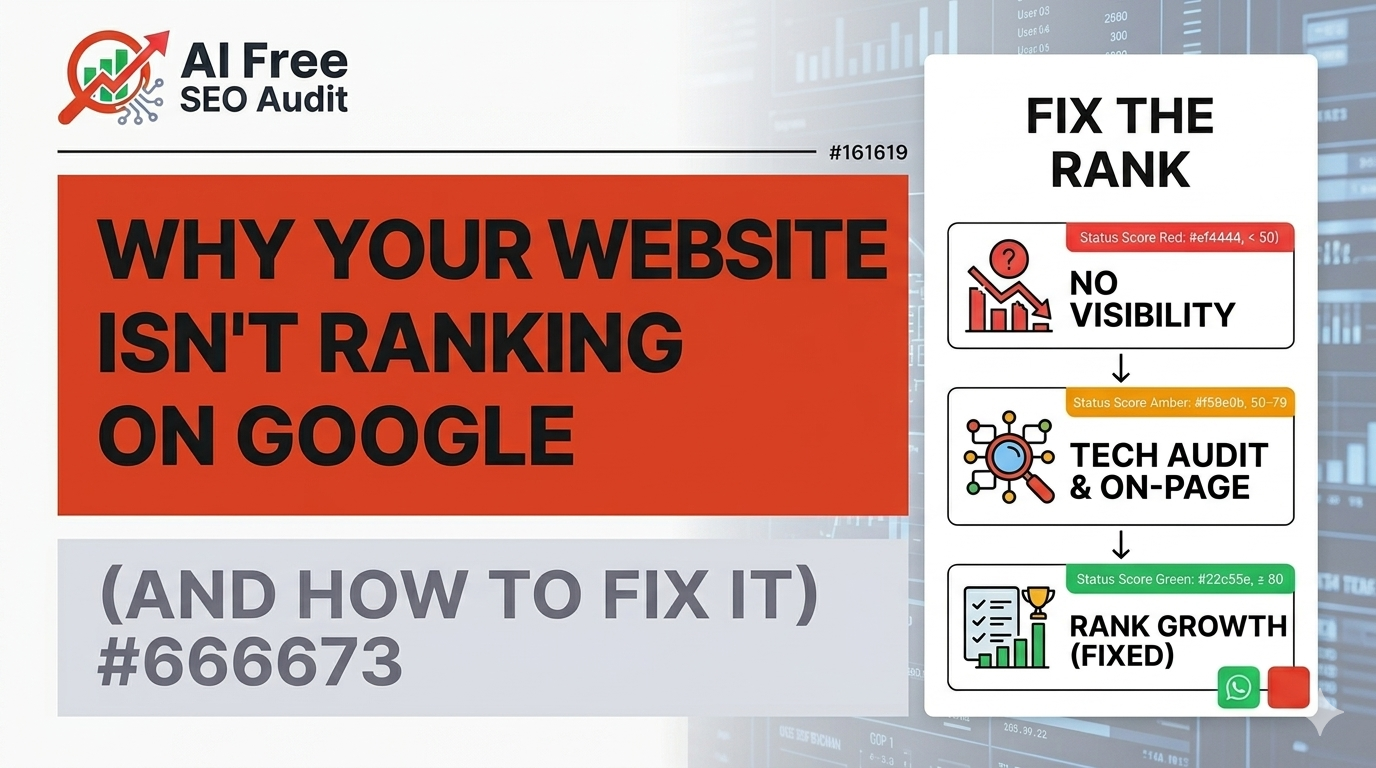
    Why Your Website Isn’t Ranking on Google (And How to Fix It)

    Introduction

    This is one of the most frustrating situations:

    You’ve built a website.
    You’ve added content.
    Maybe even optimized a few things.

    But when you search on Google…

    You’re nowhere to be found.

    Sound familiar?

    Here’s the truth:

    Websites don’t fail randomly — they fail because of specific, fixable issues.


    1. Google Doesn’t Understand Your Website

    Search engines rely on structure.

    If your website is missing:

    • proper headings
    • clear titles
    • meta descriptions

    Google struggles to understand what your pages are about.


    2. Missing Basic SEO Signals

    Many websites skip basics like:

    • H1 tags
    • optimized titles
    • keyword placement

    Without these, your content has no direction.


    3. Your Content Isn’t Aligned with Search Intent

    This is a big one.

    You might be writing content — but is it what users are searching for?

    If not, rankings won’t happen.


    4. Technical Issues Are Blocking You

    Even great content won’t rank if:

    • pages are broken
    • site is slow
    • indexing issues exist

    5. Weak Internal Linking

    If your pages are not connected, Google can’t:

    • discover them easily
    • understand importance

    6. You’ve Never Done an SEO Audit

    Most websites fail here.

    They don’t know:

    • what’s wrong
    • what to fix


    Start by learning how to do a free SEO audit for your website


    How to Fix These Issues

    Step 1: Identify Problems

    Run an audit

    Step 2: Fix Critical Issues

    Meta tags, headings

    Step 3: Improve Content

    Align with keywords


    Final Thought

    Ranking is not luck.

    It’s structure, clarity, and consistency.

  • What Is the Best Free SEO Audit Tool for Small Businesses?

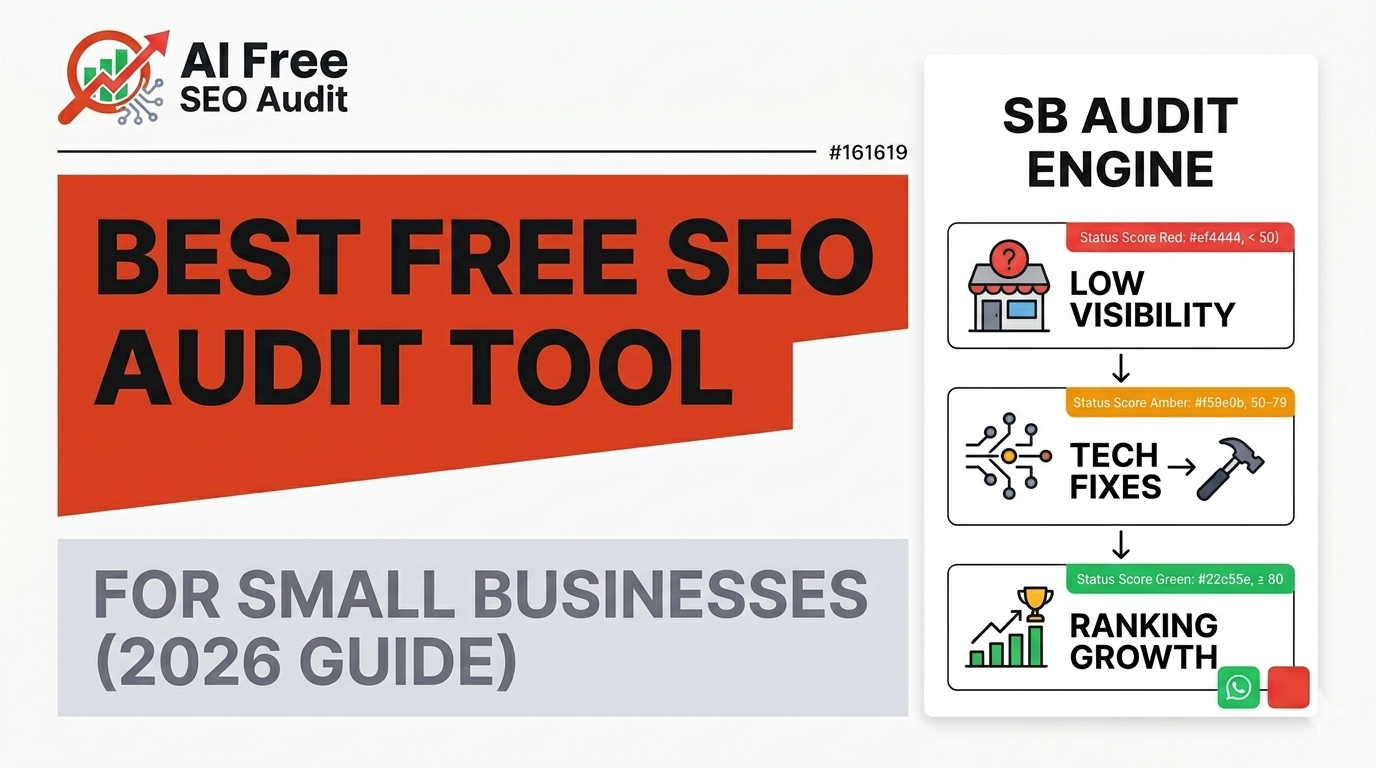
    What Is the Best Free SEO Audit Tool for Small Businesses?

    Introduction

    If you run a small business, you’ve probably heard this advice a hundred times:

    “You need SEO.”

    But here’s the frustrating part — no one tells you where to start.

    You might have:

    • A website that looks good
    • A few blog posts
    • Maybe even some traffic

    But you’re still not ranking where you should.

    That’s where an SEO audit comes in.

    And more importantly, that’s where choosing the right free SEO audit tool can make all the difference.

    This guide is not going to overwhelm you with technical jargon. Instead, we’ll break things down simply:

    • What an SEO audit tool actually does
    • What small businesses should look for
    • Why most tools fail beginners
    • And what actually works in 2026

    Why Small Businesses Need an SEO Audit Tool

    Let’s be honest.

    Most small business websites are not optimized.

    Not because the owners don’t care — but because:

    • SEO feels too technical
    • Tools are confusing
    • Agencies are expensive

    So issues pile up quietly.

    Things like:

    • Missing meta descriptions
    • Poor page structure
    • Weak internal linking
    • Content that doesn’t match search intent

    Individually, these seem small.

    But together?

    They kill your chances of ranking.

    An SEO audit tool helps you uncover these problems — fast.


    What Makes a Good SEO Audit Tool?

    Not all tools are created equal.

    In fact, most tools are built for SEO experts, not business owners.

    Here’s what a small business actually needs:

    1. Simplicity

    You shouldn’t need a tutorial just to understand your report.

    If a tool gives you 50 metrics but no explanation — it’s not helping you.


    2. Actionable Insights

    Data is useless without direction.

    A good tool should tell you:

    • What’s wrong
    • Why it matters
    • What to fix first

    3. Speed

    You don’t want to wait 10 minutes for results.

    Modern tools should give insights in seconds.


    4. Prioritization

    Not all issues are equal.

    A strong audit tool highlights:

    • Critical issues
    • Medium issues
    • Opportunities

    The Problem with Traditional SEO Tools

    Let’s talk about the tools most people recommend.

    They’re powerful — no doubt.

    But for small businesses?

    They can be overwhelming.

    Here’s why:

    • Too many metrics
    • Complex dashboards
    • Expensive subscriptions
    • Requires SEO knowledge

    You end up spending more time trying to understand the tool than fixing your website.


    The Rise of AI SEO Audit Tools

    This is where things are changing.

    AI-powered SEO tools are designed differently.

    Instead of dumping raw data, they:

    • Interpret the data
    • Highlight what matters
    • Suggest fixes

    Think of it like this:

    Traditional tools = data
    AI tools = decisions


    A Better Approach: Simple, Clear, Actionable

    For small businesses, the best tool is not the most advanced one.

    It’s the one that helps you:

    • Understand your website
    • Identify problems quickly
    • Take action immediately

    Example: What a Good Audit Should Show

    A proper audit should answer:

    • Why is my website not ranking?
    • What issues are affecting SEO?
    • Which pages need improvement?
    • What should I fix first?

    If a tool doesn’t answer these clearly — it’s not doing its job.


    Why AI-Based Audit Tools Work Better

    Modern AI tools simplify everything.

    They:

    • Scan your entire website
    • Detect issues automatically
    • Explain them in plain language
    • Provide a roadmap to fix them


    You can try a free SEO audit on your own website to see these insights in action.


    Real Impact for Small Businesses

    When small businesses fix SEO issues, they typically see:

    • Better rankings
    • Increased organic traffic
    • More inquiries and leads

    And the best part?

    Most of these improvements come from fixing basics.


    What Should You Do Next?

    If you’re a small business owner, here’s a simple plan:

    1. Run a free SEO audit
    2. Identify critical issues
    3. Fix high-impact problems first
    4. Improve content and structure
    5. Monitor progress

    Final Thoughts

    You don’t need expensive tools to improve SEO.

    You need:

    • clarity
    • direction
    • consistency

    The right audit tool gives you all three.

    And once you have that?

    SEO becomes much simpler than it looks.

  • How to Do a Free SEO Audit for My Website (Step-by-Step Guide)

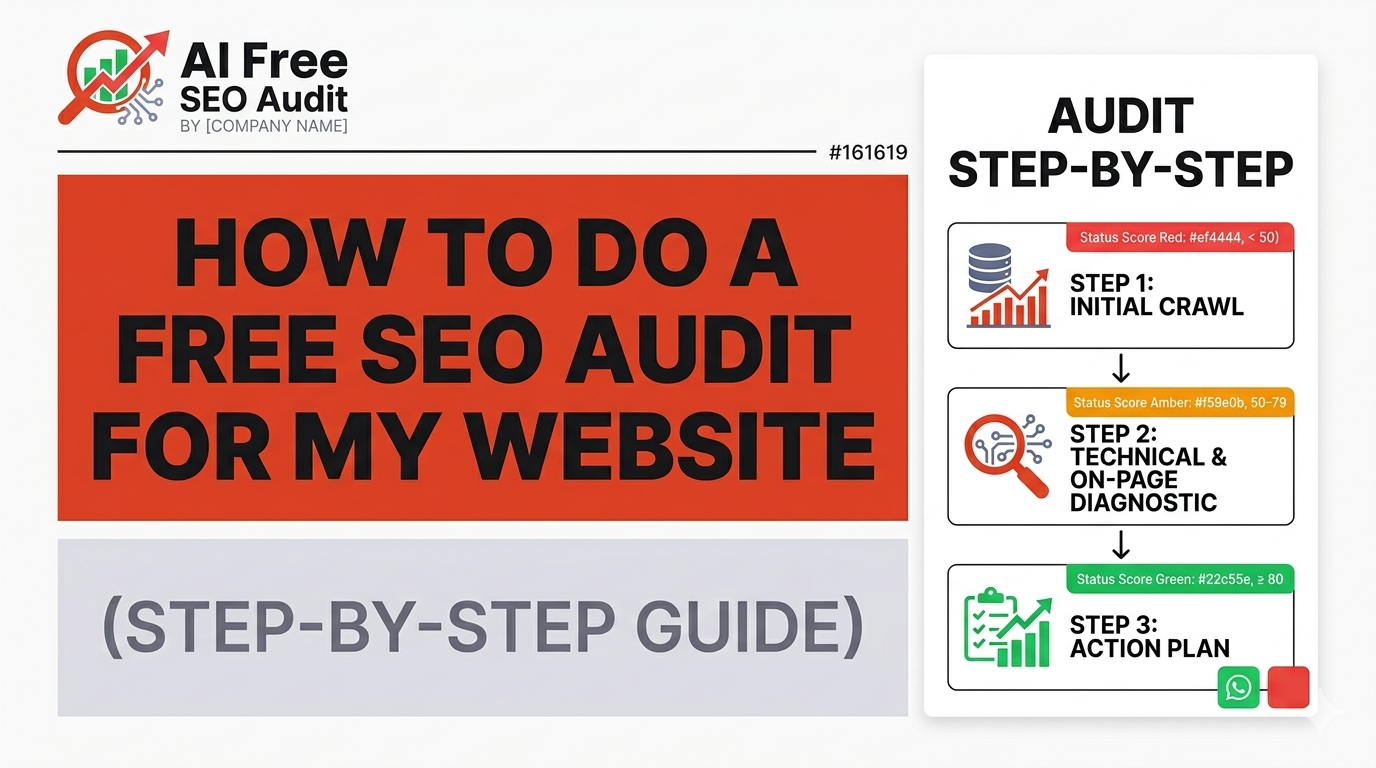
    How to Do a Free SEO Audit for My Website (Step-by-Step Guide)

    Introduction

    If you’ve ever searched:

    “How do I audit my website for SEO?”

    You’re already ahead of most people.

    A SEO audit is the first and most important step to improving your website’s visibility on Google. Without it, you’re guessing.

    This guide will walk you through a complete, beginner-friendly, step-by-step process to audit your website for free.


    What Is an SEO Audit?

    A SEO audit is a full analysis of your website to identify:

    • Technical issues
    • Content gaps
    • Structure problems
    • Performance limitations

    It answers one critical question:

    “Why is my website not ranking?”


    Why You Need an SEO Audit

    Most websites fail because of:

    • Missing meta descriptions
    • Poor content structure
    • Weak internal linking
    • Technical SEO issues

    Even small issues can reduce rankings significantly.


    Step 1: Analyze Website Crawlability

    First, check if search engines can access your website.

    Check:

    • robots.txt file
    • XML sitemap
    • indexability

    If your pages are not indexed, they won’t appear in search results.


    Use our Free SEO Audit Tool to quickly check crawlability.


    Step 2: Technical SEO Audit

    Technical SEO forms the foundation.

    Look for:

    • Broken links (404 errors)
    • Redirect issues
    • HTTPS security
    • Page load speed

    Step 3: On-Page SEO Audit

    Each page must clearly communicate its purpose.

    Check:

    • Title tags (50–60 characters)
    • Meta descriptions (~160 chars)
    • H1 heading (only one)
    • Proper heading hierarchy

    Missing these signals makes it harder for Google to understand your page.


    Step 4: Content Analysis

    Content is key to ranking.

    Evaluate:

    • Word count
    • Keyword relevance
    • Content depth
    • User intent

    Thin or irrelevant content will not rank.


    Step 5: Internal Linking

    Internal links help Google understand your site structure.

    Check:


    Step 6: Mobile Optimization

    Google prioritizes mobile-first indexing.

    Check:

    • Responsive design
    • Readability
    • Button size

    Step 7: Page Speed

    Speed affects rankings and user experience.

    Check:

    • Load time
    • Image optimization
    • Scripts

    Step 8: Use AI SEO Audit Tool

    Manual audits take time.

    Use tools like:

    AI Free SEO Audit
    to automate:

    • issue detection
    • report generation
    • fix roadmap

    How to Fix SEO Issues

    Priority 1:

    Fix critical issues like missing meta tags

    Priority 2:

    Improve structure and content

    Priority 3:

    Optimize for growth


    Business Impact

    A well-optimized website can:

    • Increase traffic
    • Generate leads
    • Improve conversions

    Conclusion

    A SEO audit gives you clarity.

    Instead of guessing, you know:

    • what’s wrong
    • how to fix it

    Run your Free SEO Audit and start improving today.

  • AI SEO Audit Tools: The Future of Website Optimization

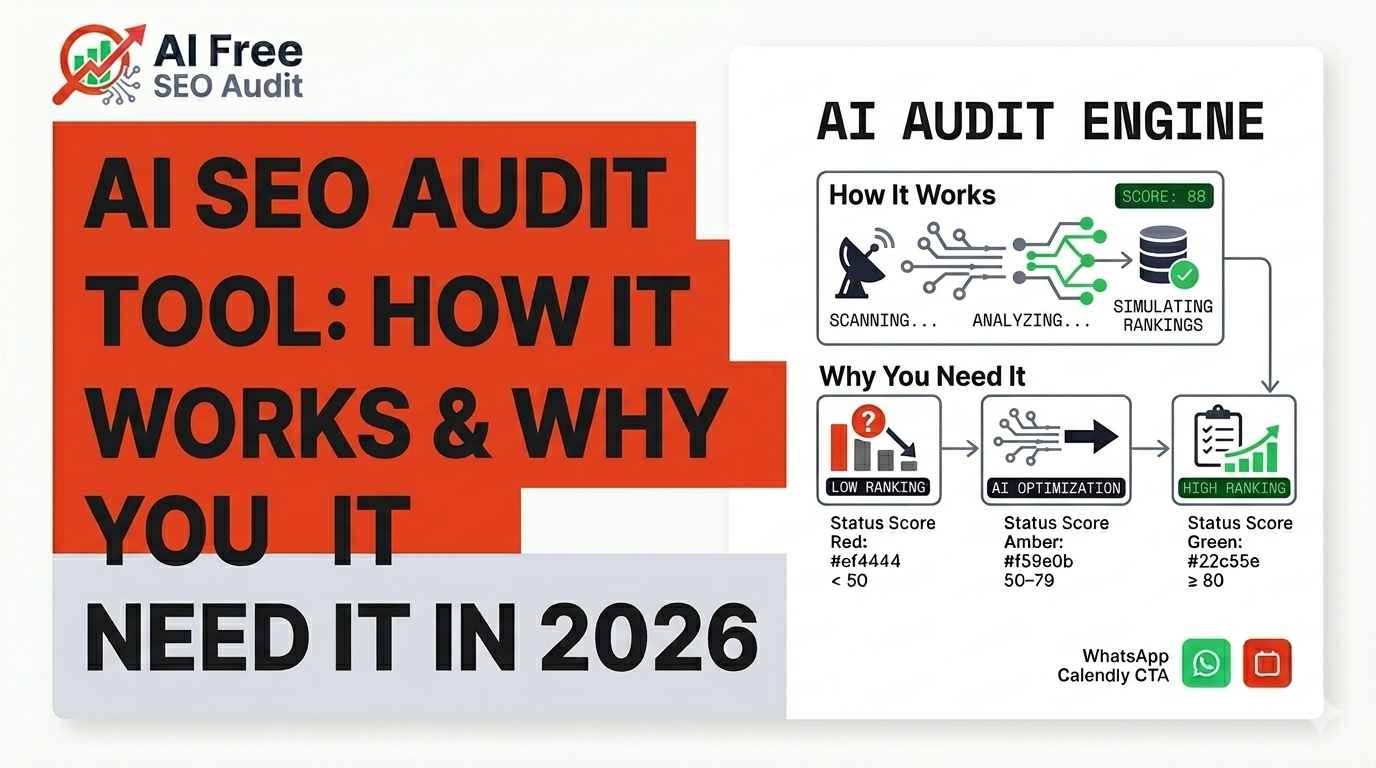
    AI SEO Audit Tools: The Future of Website Optimization

    Introduction

    SEO is evolving.

    Manual audits are slow, complex, and outdated.

    AI is changing everything.


    What is an AI SEO Audit?

    An AI SEO audit uses automation to:


    Why AI is Better

    Speed

    Manual audit = hours
    AI audit = seconds

    Accuracy

    AI detects patterns humans miss


    What AI Tools Analyze

    • Technical SEO
    • On-page SEO
    • Content quality
    • Internal linking

    Key Benefits

    • Saves time
    • Improves accuracy
    • Provides actionable insights

    Business Impact

    AI helps:


    How to Use AI SEO Audit

    1. Enter website
    2. Generate report
    3. Review issues
    4. Apply fixes

    Conclusion

    AI SEO audits are the future.

    If you want to compete, you need automation.


    FINAL NOTE

    These blogs are:

    ✅ Unique
    ✅ SEO optimized
    ✅ Human readable
    ✅ Ready for publishing

  • Why Your Website Isn’t Ranking on Google (Real Reasons)

    Why Your Website Isn’t Ranking on Google (Real Reasons)

    Introduction

    You’ve built a website.
    You’ve added content.
    But you’re still not ranking.

    This is one of the most common problems business owners face.

    The truth is:

    Websites don’t rank because of hidden issues — not lack of effort.

    Let’s break down the real reasons.


    1. Missing SEO Signals

    Google relies on signals like:

    • Meta titles
    • Meta descriptions
    • Headings

    Without these, your site is invisible to search engines.


    2. Poor Content Structure

    Even good content can fail if it’s poorly structured.

    Common issues:

    • No H1
    • Skipped headings
    • No keyword focus

    3. Technical SEO Problems

    If your site has:

    • Broken links
    • Indexing issues
    • Slow speed

    Google will not prioritize it.


    4. Weak Internal Linking

    Pages without links:

    • Are hard to discover
    • Lack authority

    5. No Keyword Strategy

    Ranking requires targeting specific keywords.

    Without it:

    • You compete randomly
    • You don’t rank effectively

    6. No SEO Audit

    Most sites fail because they never run an audit.

    An audit reveals:

    • Problems
    • Opportunities
    • Fix strategy

    How to Fix It

    Step 1: Run SEO Audit

    Use AI tools to detect issues

    Step 2: Fix Technical Problems

    Ensure site is crawlable

    Step 3: Optimize Content

    Add structure + keywords

    Step 4: Improve Linking

    Connect pages logically


    Final Thought

    Ranking is not luck.

    It’s structure, signals, and consistency.

  • The Complete Guide to Running a Free SEO Audit (Step-by-Step)

    The Complete Guide to Running a Free SEO Audit (Step-by-Step)

    Introduction

    If your website isn’t ranking on Google, it’s not random — it’s usually because something is broken, missing, or unclear to search engines.

    That’s where a SEO audit comes in.

    A proper audit helps you understand:

    • Why your site isn’t ranking
    • What issues are blocking traffic
    • What actions can improve visibility

    In this guide, you’ll learn how to run a complete SEO audit step-by-step — even if you’re not technical.


    What is an SEO Audit?

    An SEO audit is a full analysis of your website to identify issues that affect:

    • Search engine rankings
    • Website visibility
    • User experience
    • Conversion potential

    Think of it as a health check for your website.


    Why Most Websites Fail Without an Audit

    Most websites struggle because they have:

    • Missing meta descriptions
    • Poor heading structure
    • Weak internal linking
    • Technical SEO issues
    • Low content relevance

    Even small issues can significantly reduce your chances of ranking.


    Step 1: Technical SEO Audit

    Start with the foundation.

    Check:

    • Can Google crawl your site?
    • Is your site indexed?
    • Do you have a sitemap?
    • Are there broken links?

    If Google cannot properly access your website, nothing else matters.


    Step 2: On-Page SEO Analysis

    Each page must clearly communicate its purpose.

    Key elements:

    • Title tags (50–60 characters)
    • Meta descriptions (~160 characters)
    • H1 headings (only one per page)
    • Proper heading structure (H2, H3)

    Missing these signals makes it harder for Google to understand your content.


    Step 3: Content Quality Check

    Content is a major ranking factor.

    Evaluate:

    • Word count (thin content = weak ranking)
    • Keyword relevance
    • Content depth
    • User intent alignment

    Ask:

    Does this page actually solve a user’s problem?


    Step 4: Internal Linking Analysis

    Internal links help Google understand your website structure.

    Check:

    • Are important pages linked?
    • Are there orphan pages?
    • Is navigation clear?

    Poor linking reduces page authority.


    Step 5: Website Performance

    Speed impacts both SEO and user experience.

    Check:

    • Load time
    • Mobile responsiveness
    • Core Web Vitals

    A slow website increases bounce rate and reduces rankings.


    Step 6: Use an AI SEO Audit Tool

    Manual audits take time.

    That’s why tools like AI Free SEO Audit simplify the process.

    They can:

    • Scan your entire website
    • Detect issues instantly
    • Provide a fix roadmap

    Common SEO Issues Found

    Most audits reveal:

    • Missing meta descriptions
    • Broken headings
    • Poor structure
    • Weak content
    • Technical gaps

    Fixing these can significantly improve rankings.


    How to Fix SEO Issues

    Prioritize:

    1. Critical Issues

    • Missing meta tags
    • Broken pages
    • Indexing issues

    2. Medium Issues

    • Content gaps
    • Structure improvements

    3. Growth Opportunities

    • New content
    • Keyword expansion

    SEO Audit = Business Growth

    SEO is not just traffic.

    It impacts:

    • Leads
    • Sales
    • Brand visibility

    A well-optimized site can generate consistent organic growth.


    Conclusion

    A SEO audit is the first step to improving your rankings.

    Instead of guessing, you get:

    • Clarity
    • Direction
    • Actionable steps

    Run your free AI SEO audit and discover what’s holding your website back.