Introduction
If you’ve ever searched:
“How do I audit my website for SEO?”
You’re already ahead of most people.
A SEO audit is the first and most important step to improving your website’s visibility on Google. Without it, you’re guessing.
This guide will walk you through a complete, beginner-friendly, step-by-step process to audit your website for free.
What Is an SEO Audit?
A SEO audit is a full analysis of your website to identify:
- Technical issues
- Content gaps
- Structure problems
- Performance limitations
It answers one critical question:
“Why is my website not ranking?”
Why You Need an SEO Audit
Most websites fail because of:
- Missing meta descriptions
- Poor content structure
- Weak internal linking
- Technical SEO issues
Even small issues can reduce rankings significantly.
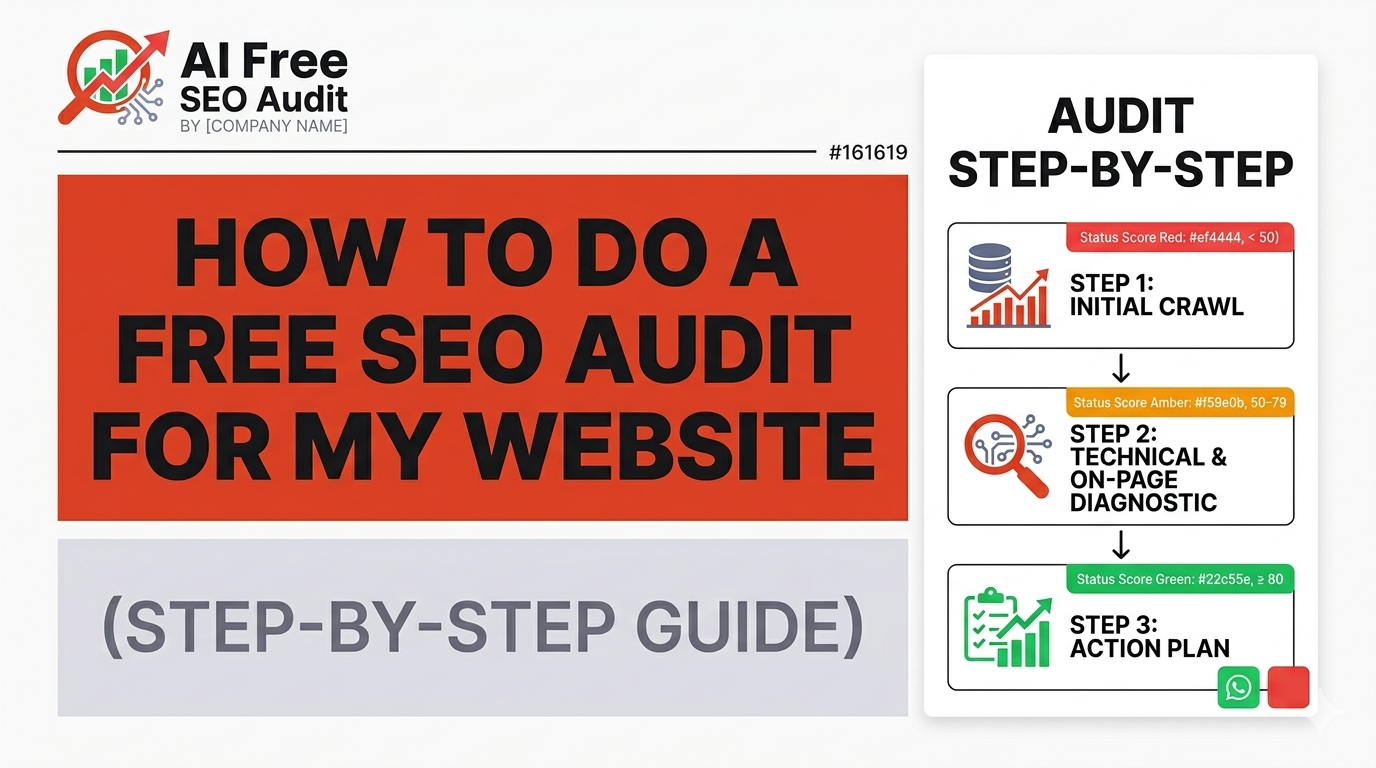
Step 1: Analyze Website Crawlability
First, check if search engines can access your website.
Check:
- robots.txt file
- XML sitemap
- indexability
If your pages are not indexed, they won’t appear in search results.
Use our Free SEO Audit Tool to quickly check crawlability.
Step 2: Technical SEO Audit
Technical SEO forms the foundation.
Look for:
- Broken links (404 errors)
- Redirect issues
- HTTPS security
- Page load speed
Step 3: On-Page SEO Audit
Each page must clearly communicate its purpose.
Check:
- Title tags (50–60 characters)
- Meta descriptions (~160 chars)
- H1 heading (only one)
- Proper heading hierarchy
Missing these signals makes it harder for Google to understand your page.
Step 4: Content Analysis
Content is key to ranking.
Evaluate:
- Word count
- Keyword relevance
- Content depth
- User intent
Thin or irrelevant content will not rank.
Step 5: Internal Linking
Internal links help Google understand your site structure.
Check:
- Are important pages linked?
- Are there orphan pages?
- Learn more in our guide on How to Check SEO Issues on Your Website for Free
Step 6: Mobile Optimization
Google prioritizes mobile-first indexing.
Check:
- Responsive design
- Readability
- Button size
Step 7: Page Speed
Speed affects rankings and user experience.
Check:
- Load time
- Image optimization
- Scripts
Step 8: Use AI SEO Audit Tool
Manual audits take time.
Use tools like:
AI Free SEO Audit
to automate:
- issue detection
- report generation
- fix roadmap
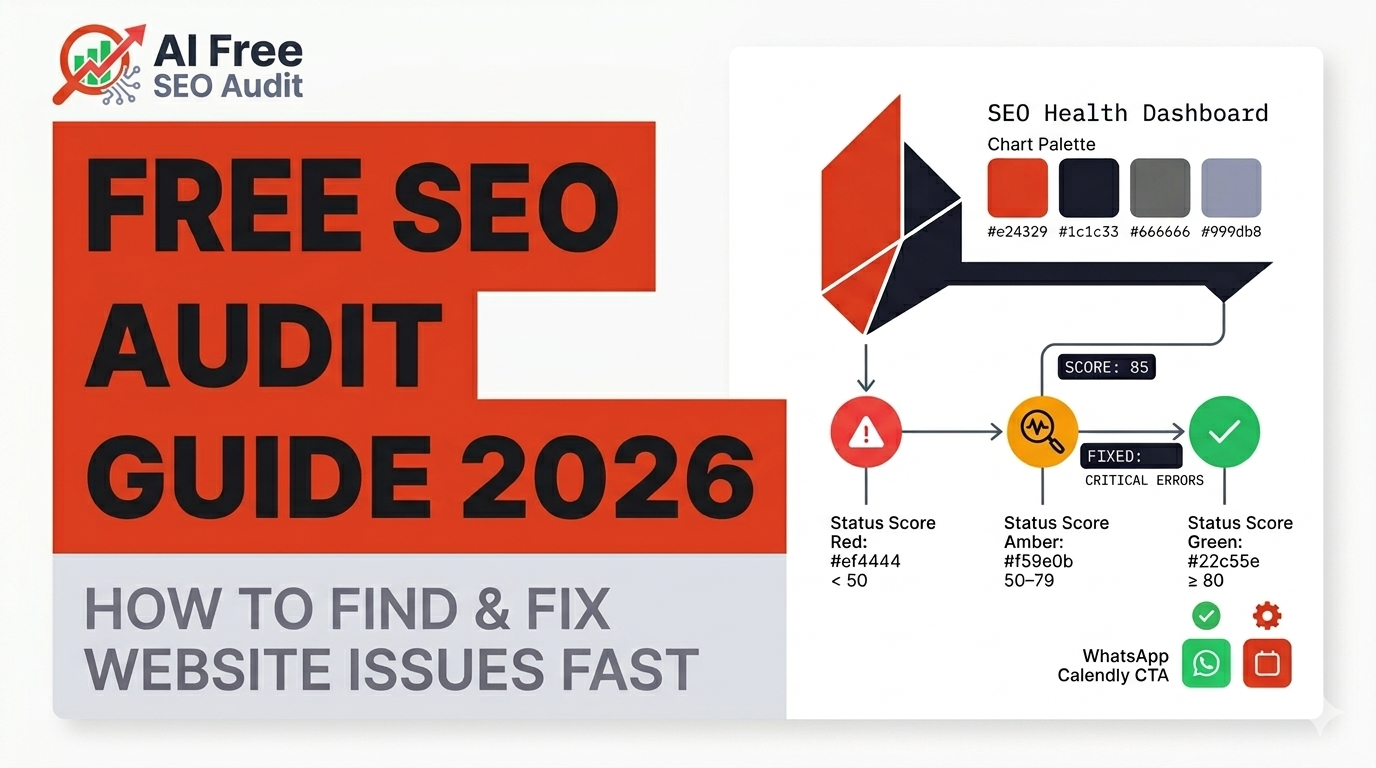
How to Fix SEO Issues
Priority 1:
Fix critical issues like missing meta tags
Priority 2:
Improve structure and content
Priority 3:
Optimize for growth
Business Impact
A well-optimized website can:
- Increase traffic
- Generate leads
- Improve conversions
Conclusion
A SEO audit gives you clarity.
Instead of guessing, you know:
- what’s wrong
- how to fix it
Run your Free SEO Audit and start improving today.
Leave a Reply